
Table of Contents
The Universal Method: Using the Amazon Prime TV Activation Code
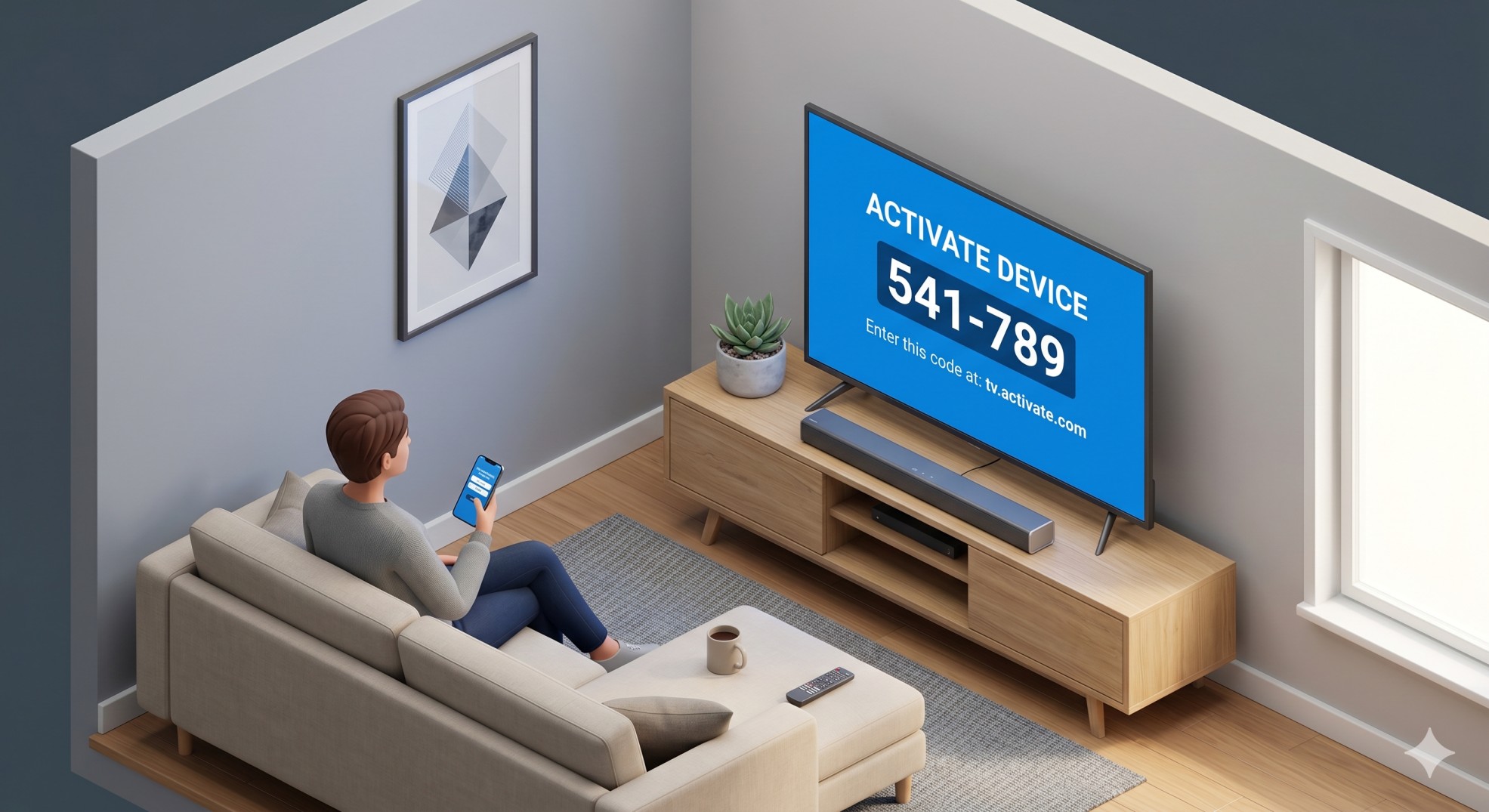
Regardless of the device you own, the standard way to activate Amazon Prime on a TV involves generating a code on your television and entering it into a web browser on your smartphone or computer.
- Open the App: Navigate to the Amazon Prime Video app on your TV and select “Sign In.”
- Get the Code: A screen will appear displaying a 5- or 6-character amazon prime tv code. Leave this screen open.
- Visit the Activation URL: On your phone or computer, open a web browser and go to amazon.com/mytv (ensure you are logged into your primary Amazon account).
- Enter the Code: Type the code displayed on your TV into the registration box and click Register Device. Your TV screen will automatically refresh and load your profile.
How to Activate Amazon Prime on Specific Smart TVs
If you want to know how to activate Amazon Prime on your specific television brand, follow these device-specific instructions.
Samsung Smart TV
- Press the Home button on your remote.
- Navigate to Apps and open Prime Video.
- Select “Sign in and start watching.”
- Go to amazon.com/mytv on your phone and input the code shown on your TV.
Vizio Smart TV
- Press the V or Home button to open SmartCast.
- Locate and open the Prime Video app.
- Select “Sign In” to generate your activation code.
- Register the code online using your mobile device.
Sony TV (Android/Google)
- Navigate to the Home screen Apps section.
- Open Prime Video and choose sign in via the web.
- Visit the activation link provided on the screen using your phone.
Activating Amazon Prime on Streaming Devices
Roku TV & Devices
- Press Home and go to Streaming Channels.
- Add the Prime Video channel and open it.
- Select “Register on the Amazon website” for your code.
- Enter the code at the Amazon portal on your phone.
Apple TV
- Open the App Store and download Prime Video.
- Select “Sign In.”
- Select “Register on the Amazon website” to use the 6-digit code method for faster entry.
Amazon Fire TV
- Plug in your Fire TV stick.
- During setup, log in directly using your Amazon email and password.
- Prime Video is automatically activated! No code needed.
Cable Providers & Gaming Consoles
Cox Cable TV
If you use a Cox Contour box, you can access Prime Video directly through your cable service by pressing the Contour button, navigating to Apps, and selecting Prime Video to generate your code.
Linking Twitch TV with Amazon Prime
To activate Prime Gaming benefits: Go to gaming.amazon.com, log into your Prime account, click Link Twitch Account, log into Twitch, and click Confirm.
Troubleshooting Common Activation Errors
If your amazon prime tv login activate process fails, check these common issues:
- Code Expired: Activation codes generally expire after 10-15 minutes. Select “Get a new code” on your TV.
- Wrong Account: Ensure the Amazon account you are logged into on your phone has an active Prime subscription.
- Browser Caching: If the link is throwing an error, try opening it in an Incognito/Private window.
Frequently Asked Questions (FAQ)
How do I activate my TV for Amazon Prime Video?
To activate your TV, open the Prime Video app on your television, select “Sign In,” and note the 6-digit code on the screen. Go to amazon.com/mytv on your smartphone or computer, log into your Amazon account, and enter the code to link your TV.
How do I activate Amazon Prime on my Apple TV?
Download the Prime Video app from the Apple TV App Store. Open it and select “Sign In.” You can either manually type your Amazon credentials using the Apple TV remote or choose the web activation option to generate a code to enter on your phone.
Why is my Amazon Prime TV code not working?
Activation codes are time-sensitive and usually expire within 15 minutes. If your code isn’t working, it has likely expired. Click “Get a new code” on your TV screen and immediately enter the new code into your web browser.
Do I have to pay to activate Amazon Prime on a new TV?
No. Activating the app on a new TV is completely free as long as you already pay for an active Amazon Prime or Prime Video subscription. Never pay a third-party website to activate your TV.